I. Feature Overview
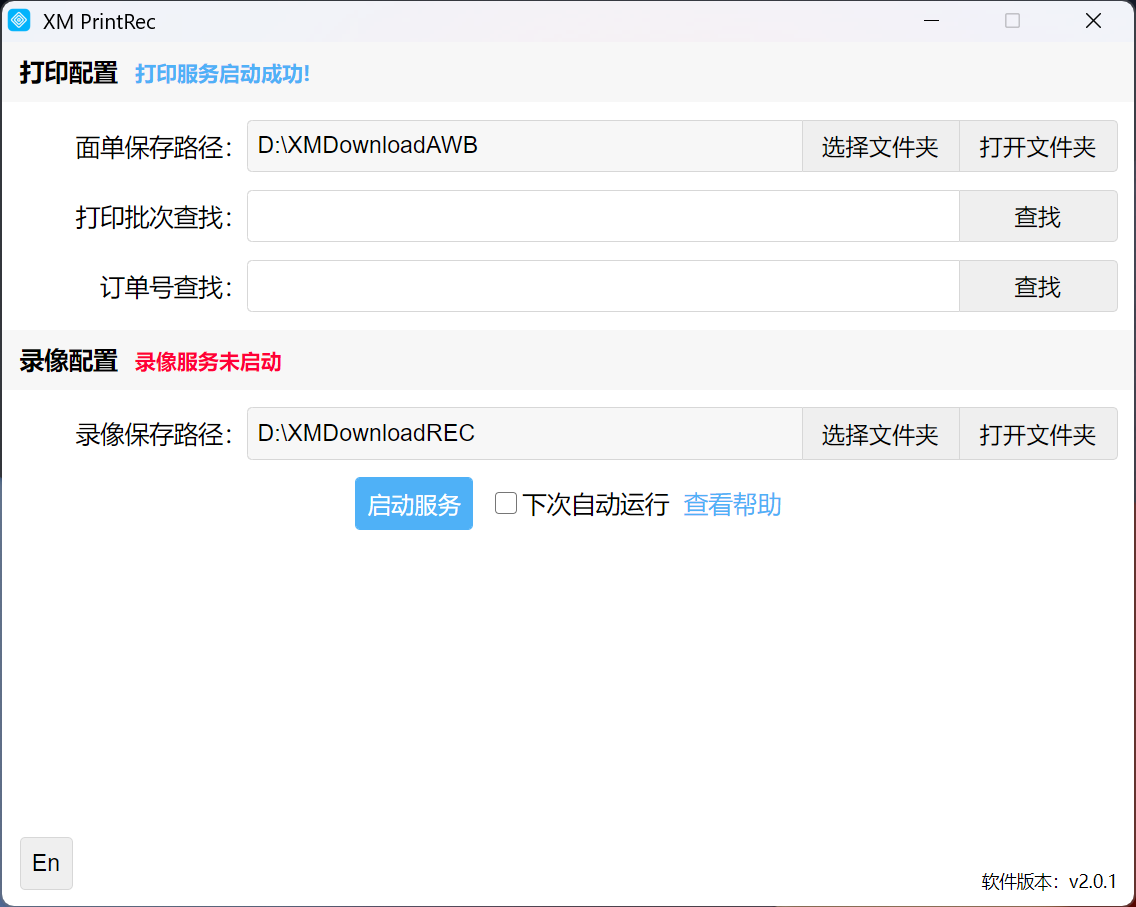
The XM PrintRec client includes printing and recording plugin features. This article only describes the printing plugin.
Core Advantage: Prints while loading waybill data, supports automatic downloading of waybills to local storage for querying (dual cloud/local backup) and print progress monitoring, thereby improving batch printing efficiency.
Note: Cloud waybills are retained for only 45 days, while local waybills can be saved and queried indefinitely.
II. Download and Installation
Click [Download XM PrintRec] to obtain and install the XM PrintRec client. Once completed, double-click to open it, and the print service will start automatically.
)
III. Starting Printing
Log in to the backend at xmhelper.com, go to [Order Management] - [Order Printing], select orders, and click the [Plugin Print] button to start the plugin print service.
)
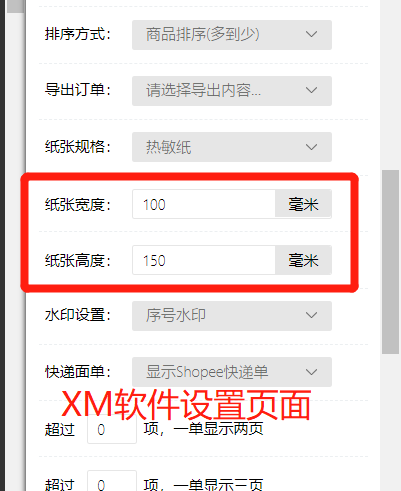
Click the [Plugin Print Preview] button to set or adjust the print template. The original web printing and plugin printing share the same print templates.
)
IV. Advantages Explanation
Core advantages:
① Prints while loading, increasing speed by over 50%;
② Automatically saves waybills to local storage without manual operation, providing dual cloud/local protection;
③ Compatible with original web print templates, ready to use upon installation.
V. Frequently Asked Questions
Q: After selecting plugin printing, the client does not respond?
A: Start the client, restart the browser, or add it as a trusted program in the firewall.
VI. Tips
Update the client regularly, confirm devices and paper before printing, and contact customer service for issues.


Comments
0 commentsNo comments yet — be the first to speak
If this piece sparked a thought, leave a comment and share your take.